Illustrated Application Note


Tablet Machine Hardness Calibration

A customer wants to recalibrate their tablet hardness tester.


Summary

  • Customer Need / Challenge

    A customer wants to re-recalibrate tablet hardness testers. The customer needs a mini-load cell the size of a sugar cube that replaces the tablets and fits horizontally in the tablet test-box. Therefore, a special cable exit is important for the compression only calibration application

  • Interface Solution

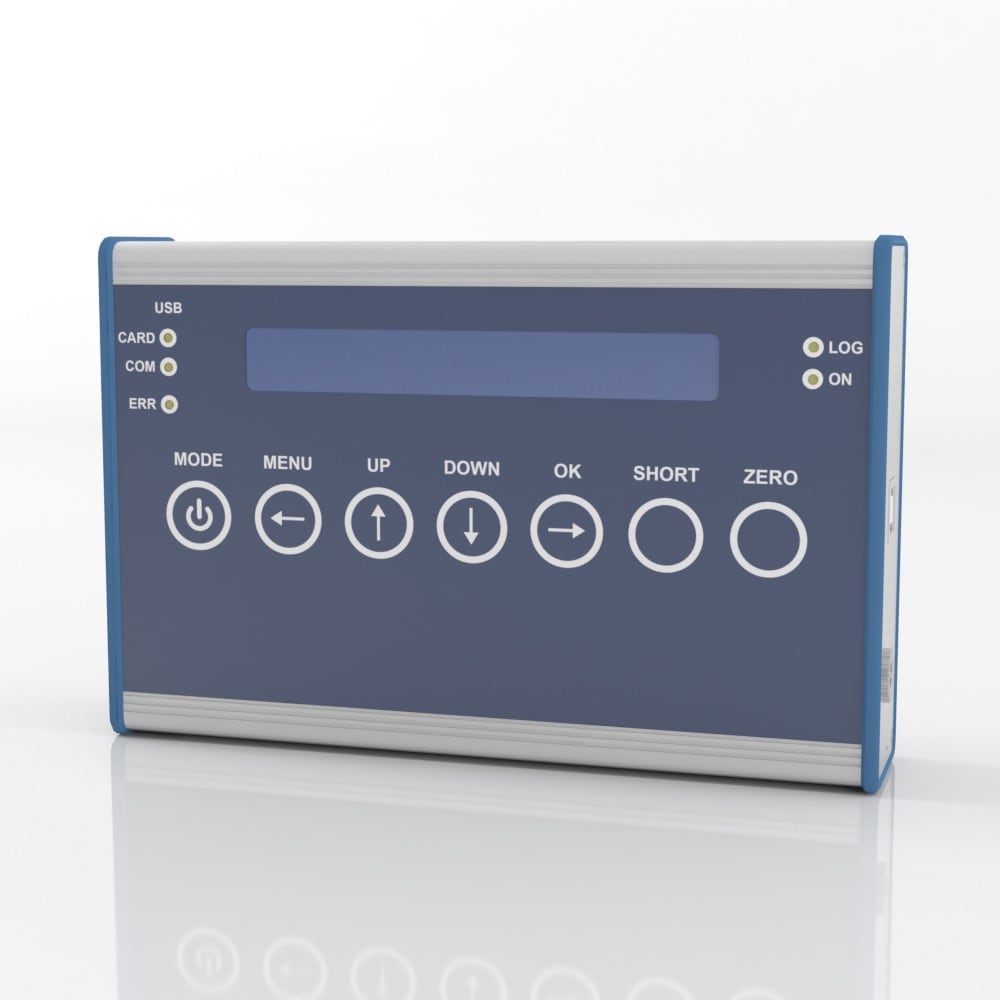
    Interface’s MCC Miniature Compression Load Cell can measure forces on its side with a special cable exit on the flat side that attaches to the calibration indicator, such as the Interface handheld indicator and datalogger Model 9330. The MCC load-cell calibration set compares the applied forces with the hardness tester to make sure that the tablet hardness tester uses the correct force for future tablet hardness tests. The BlueDAQ software helps to log and compare the data of the MCC reference load cell.

  • Results

    In the past, the machines had to be rebuilt for calibrations, or a complex mechanism had to be integrated to enable vertical calibration. The customer successfully verified and calibrated the tablet hardness tester machine horizontally to conduct accurate hardness testing on tablets in the future. Interface’s MCC Miniature Compression Load Cell was perfect due to its small size, and convenient to measure the forces on its side
Materials


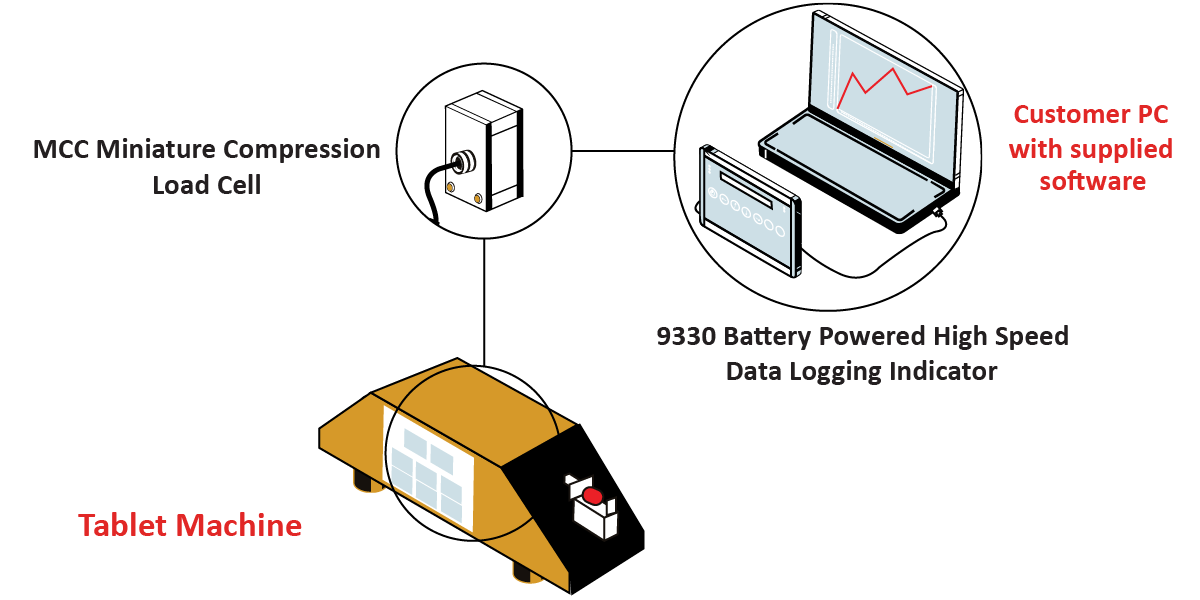
  • MCC Miniature Compression Load Cell
  • 9330 Battery Powered High Speed Data Logging Indicator
  • BlueDAQ Software included with instrument purchase
  • Customer’s PC or Laptop

How it Works


  1. The MCC Miniature Compression Load Cell is connected to the hardness testing mechanism inside of the tablet machine.
  2. Calibration results are sent to the 9330 Battery Powered High Speed Data Logging Indicator, where data is logged and graphed.
  3. Data is processed using BlueDAQ Software, which stores and logs data in the customer’s PC computer or laptop.

Download PDF